




















How to reset the root/administrator password
To reset the password of your VPS,
- login into your Client Area.
- select your service
- scroll down to see your VPS manager panel and select - Settings, Change Password
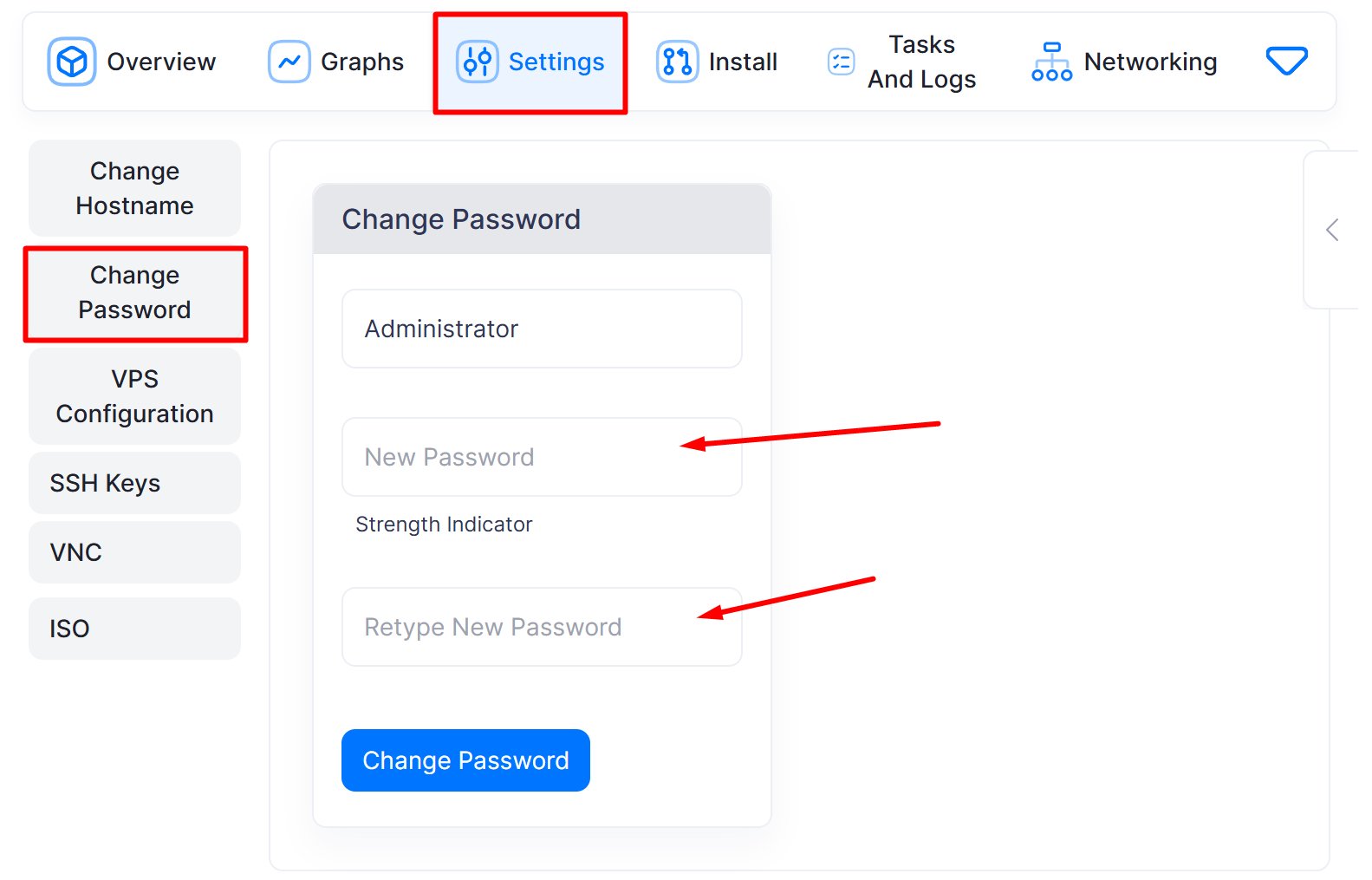
- Enter your new credentials and click - Change Password.
- Very important, after password change, STOP the server, then Start from console. Don't reboot, but stop and start!