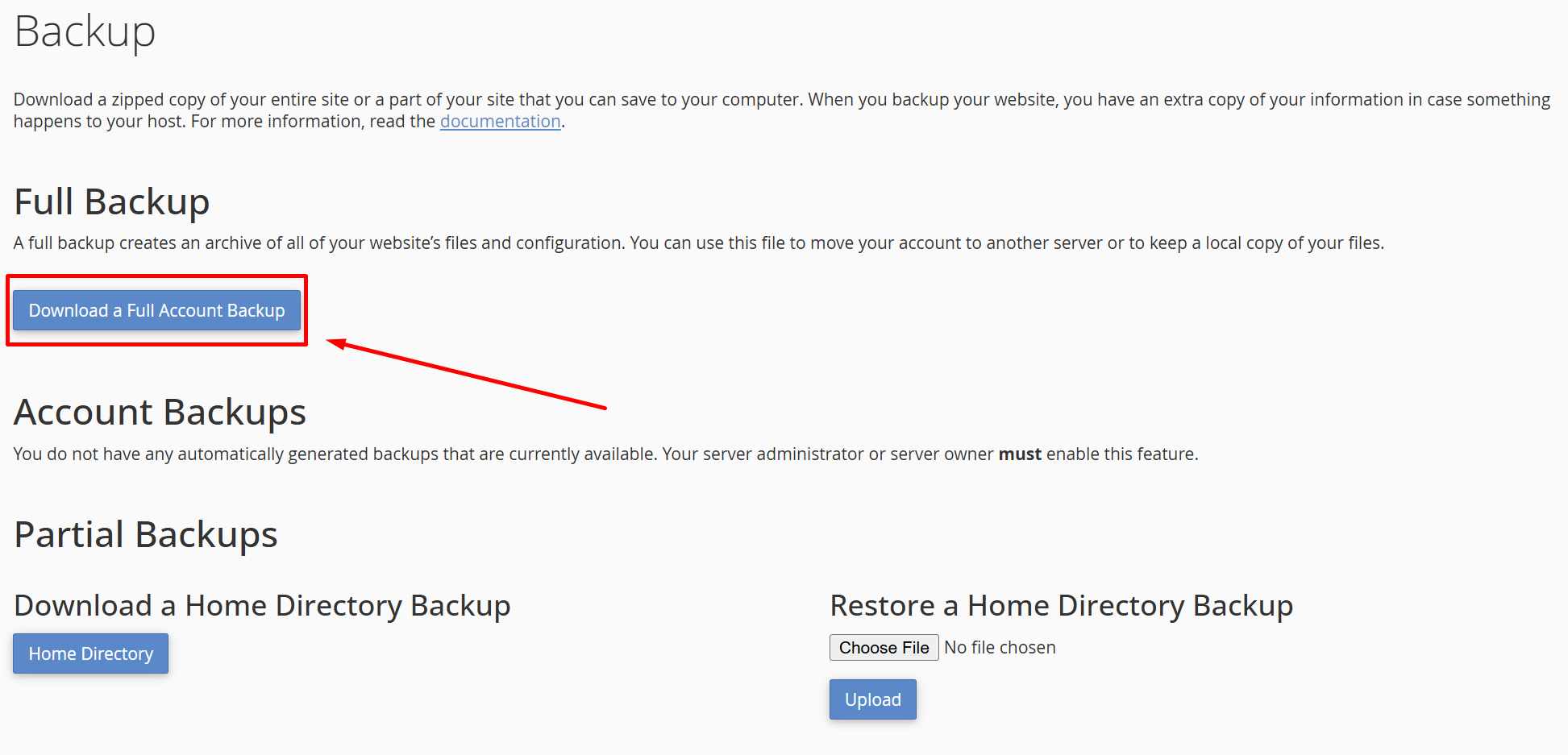




















How to Backup Your Entire Site or a Part of your Site
How to Backup Your Entire Site or a Part of your Site
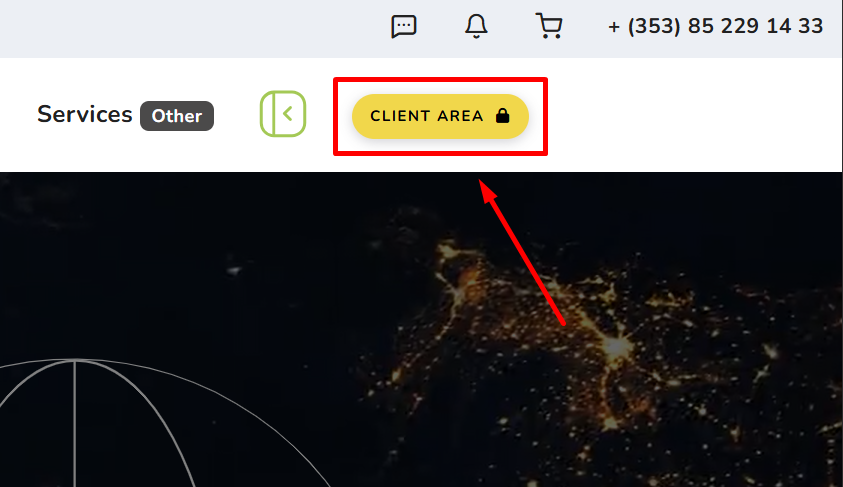
1. Go to Client Area
2. Hover over Services and Click Read More
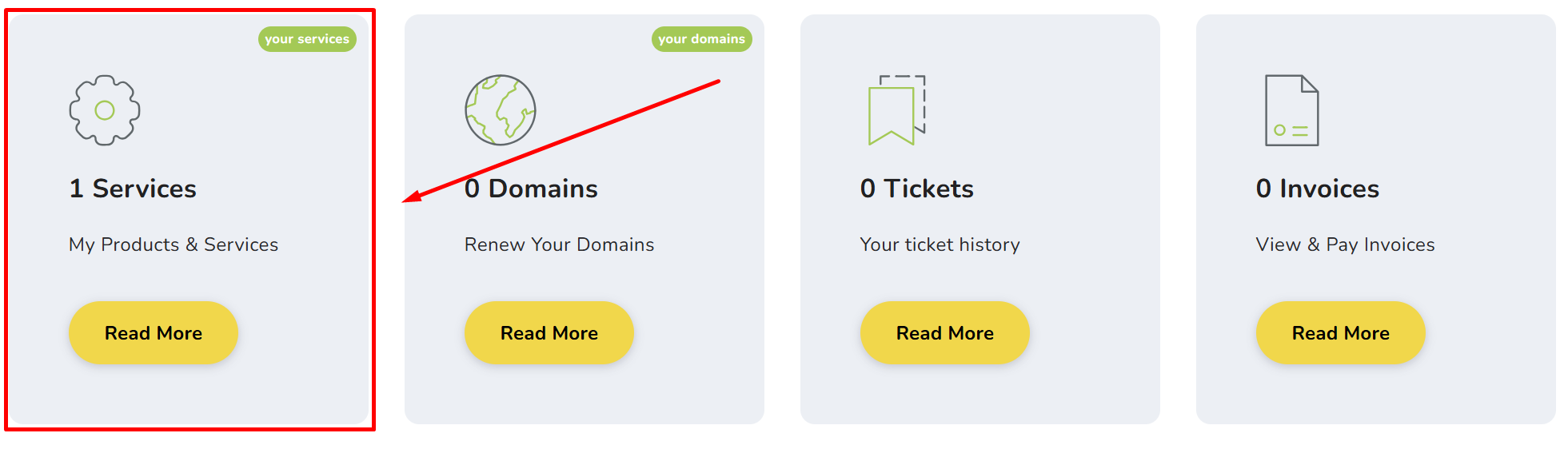
3. Click on your preferred Product/Service
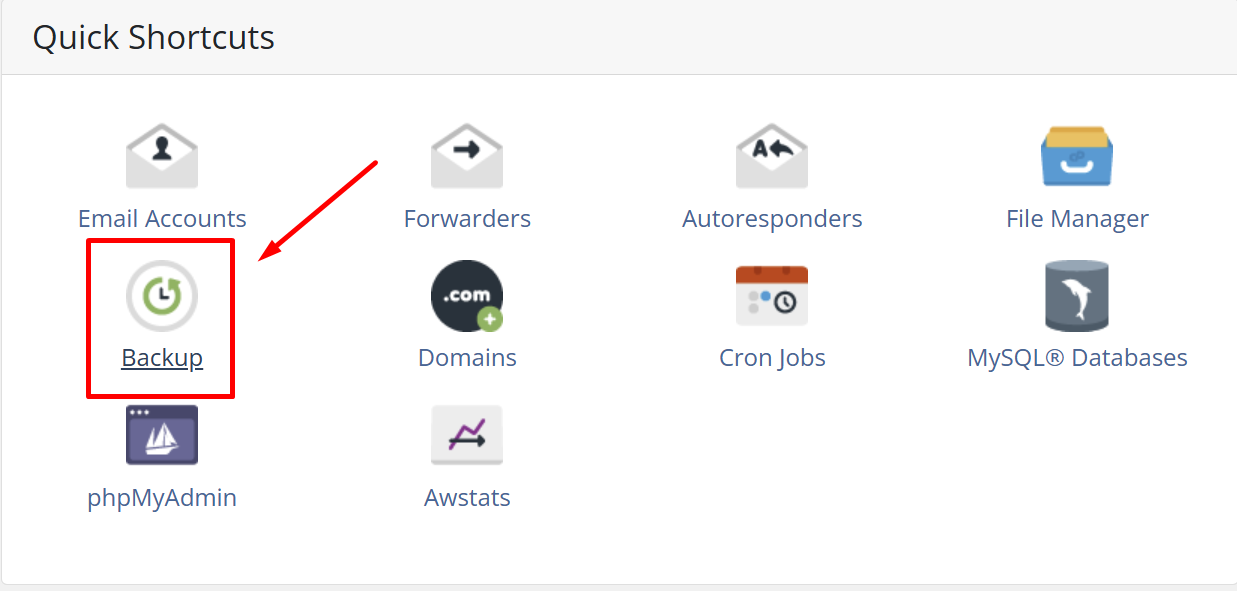
4. Click on Backup
5. Click on "Download a Full Account Backup