



















How to access your hosting panel
To access hosting panel, you can do in 2 ways:
1. to access hosting panel directly from your billing account. To do so, login here Client Area - TOPHOST
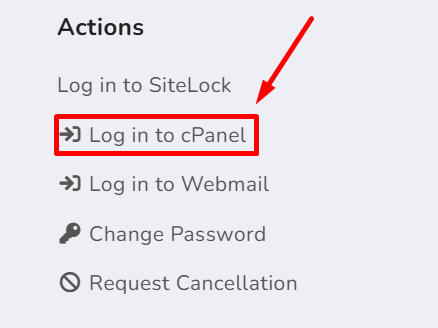
in your account, select service, hosting service and on right corner, select "login to hosting panel" or "login to cPanel"
And the second way is to login into hosting control panel directly, using the link below:
https://<your_domain_name>/cpanel
replace <your_domain_name> with your real domain name, for example: